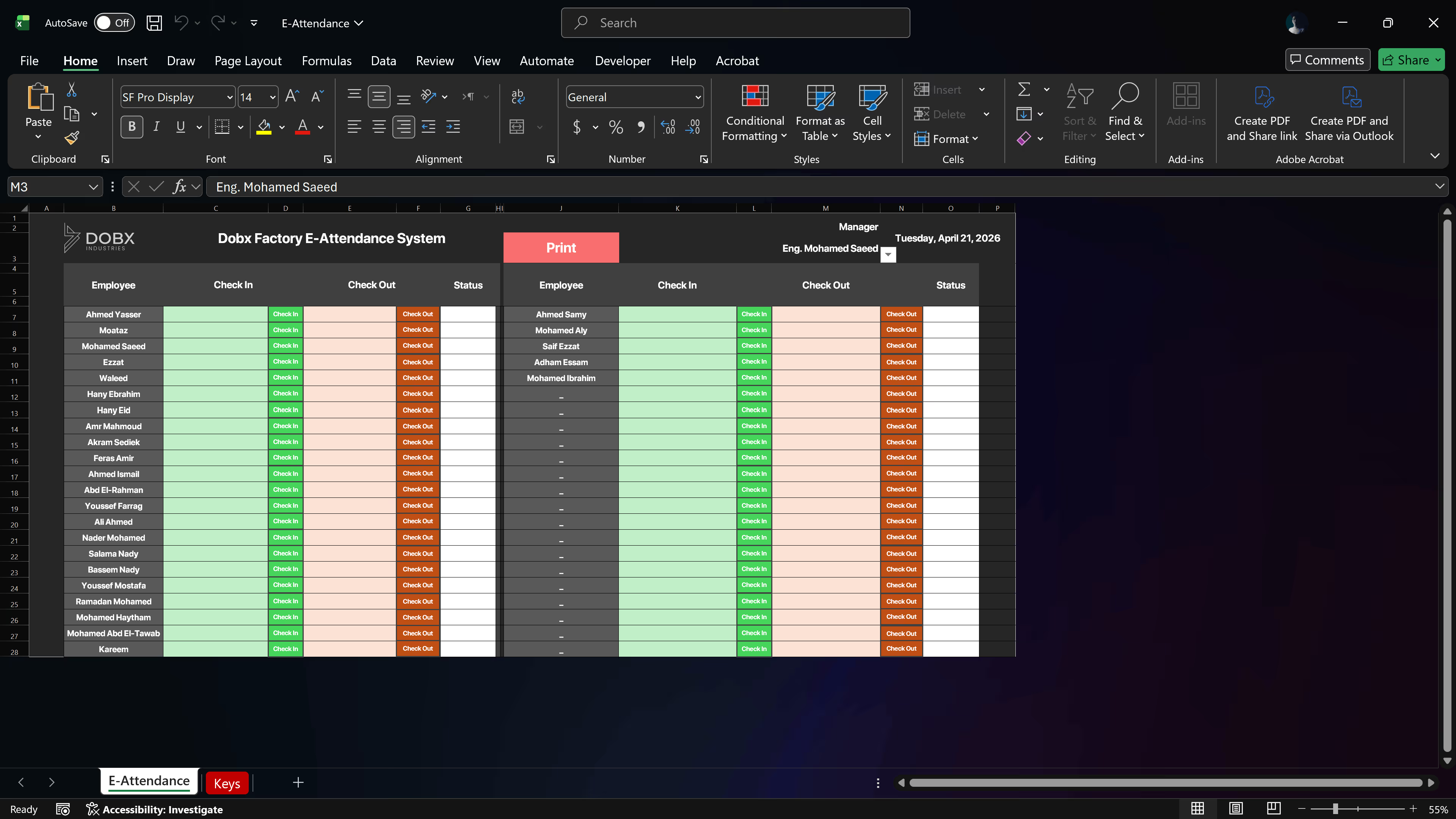
While working with the same 50-person company, I took a trip out to their furniture factory. About 40 of our employees worked there, away from the main HQ. I always like to engage with different aspects of a company to see how things actually run on the ground. During my visit, I noticed a very traditional, glaring issue: all 40 factory employees were manually signing in and out on a piece of paper. Half the time, people forgot to do it, and the factory manager was incredibly frustrated because the system was impossible to control. They were waiting on a digital fingerprint system to arrive, but it was delayed. Seeing the chaos, I knew I could build a temporary, digital bridge to solve the problem right then and there.
02
Objective
To create a fast, effective, and temporary digital check-in/check-out solution using a highly simplified UI. The system needed to instantly generate an end-of-day report for the direct manager. More importantly, I wanted to future-proof it so the data could eventually link up with the automated payroll and discount system I was building. At the time, I didn't even know what an ERP (Enterprise Resource Planning) system was, I just used my intuition to spot a broken, traditional process and figure out how to modernize it for today's world.
03
Tools
04
Process
01
The Quick Translation
Because I kept the UI so focused and clean, translating the Illustrator design into a working Excel dashboard took me just a couple of minutes.
02
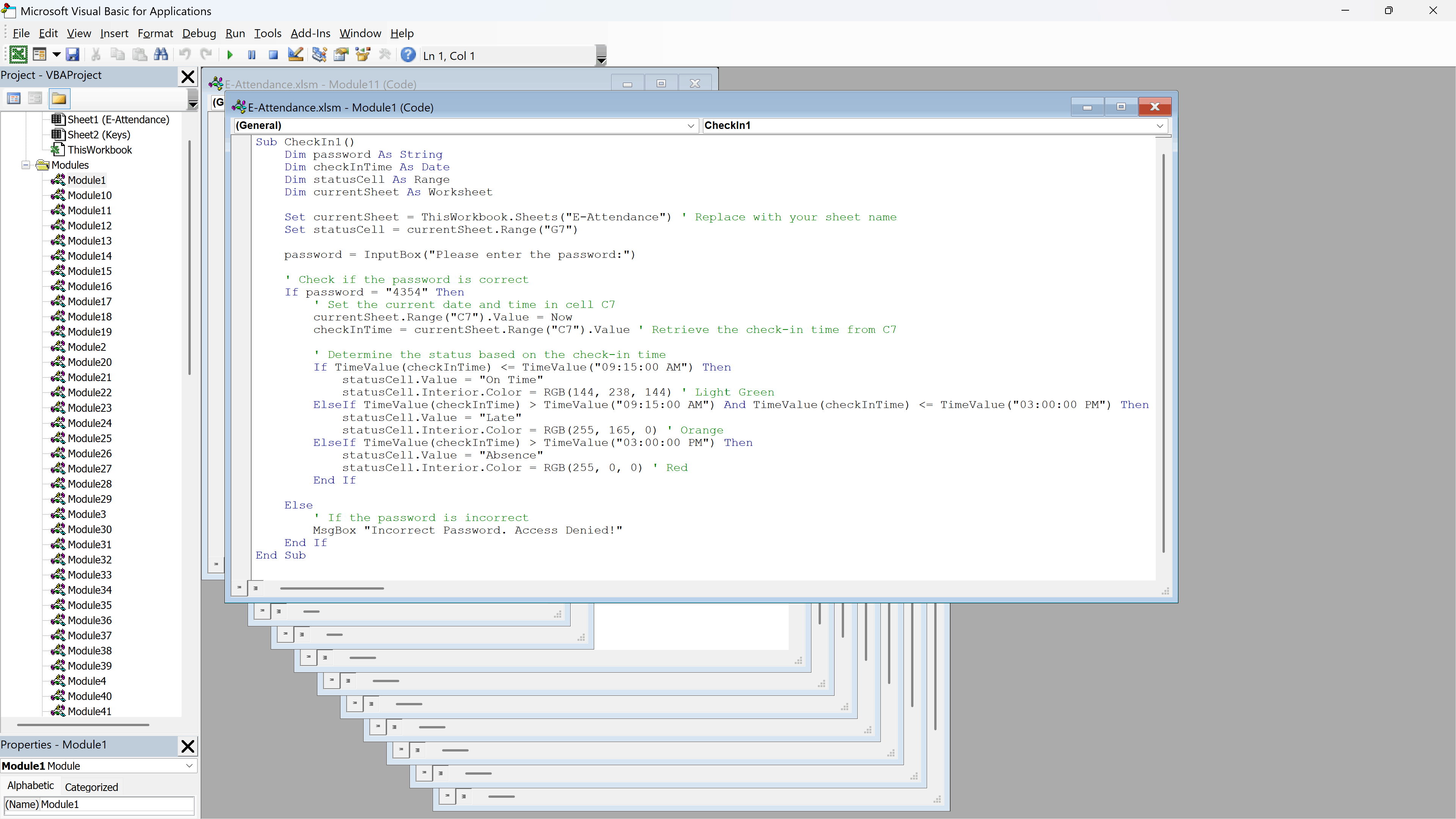
Coding the Timestamps
I brought ChatGPT back in as my development partner. I prompted it to help me write the specific VBA macros needed to capture the exact, un-editable time an employee clicked "Check In" or "Check Out," while simultaneously storing that data in a hidden backend log for future exporting.
03
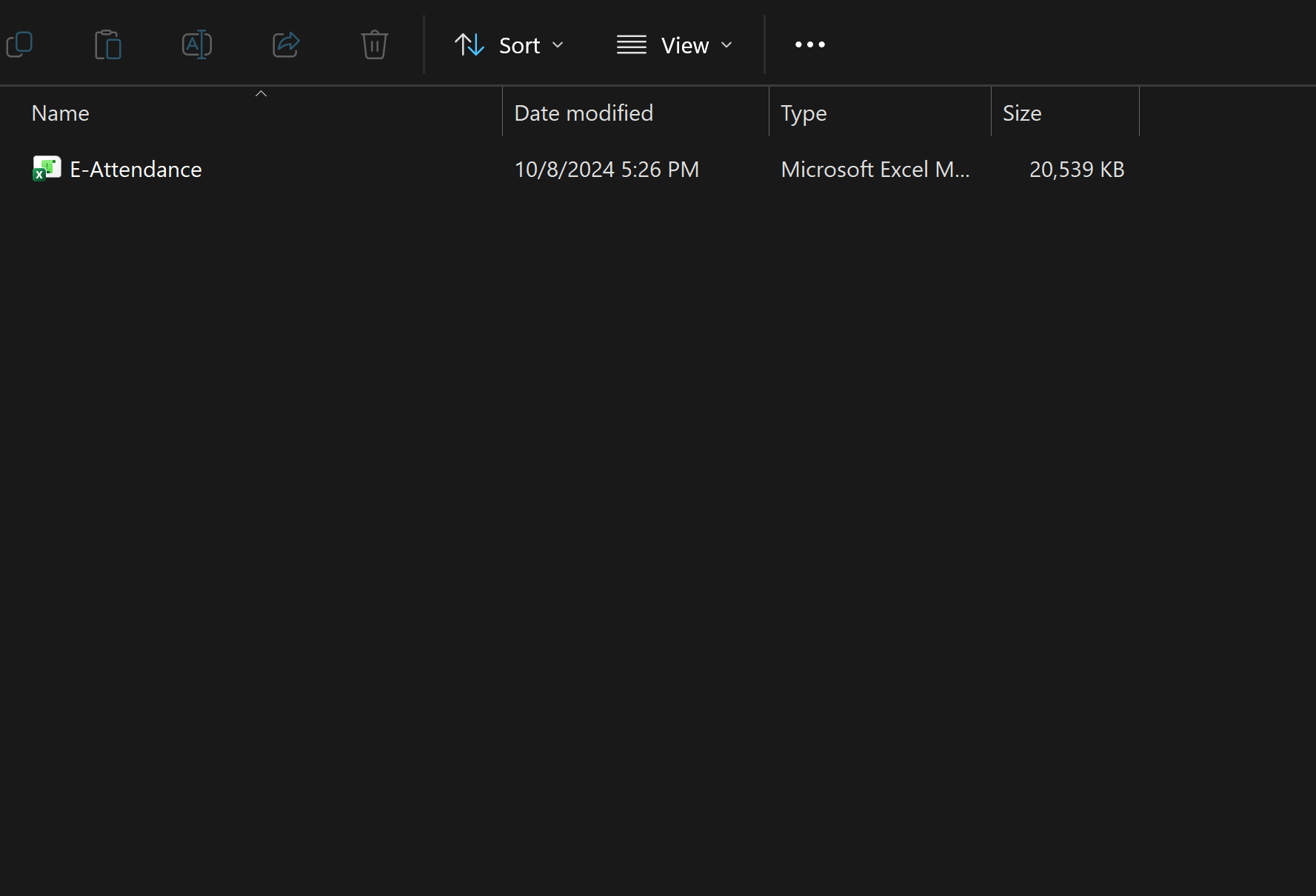
Deploying on the Factory Floor
Installation was a breeze. Because it was a lightweight, uncomplicated program, I simply installed it on one of the existing computers at the factory, making it immediately accessible to the team.
The Result
06
KPIs
100%
Digitalization
Instantly replaced lost and unreadable paper sign-in sheets with a reliable digital tracker for 40 off-site employees.
One
Click Reporting
Saved the factory manager hours of weekly administrative headaches with instant, automated end-of-day attendance reports.
98%
Downtime Saved
Acted as the perfect operational bridge, maintaining full attendance control while the factory waited for delayed hardware.
07
Conclusion
With one click, he had a perfectly clean, accurate attendance report at the end of every shift. Was it a fully-featured, permanent system? No. It was incredibly simple, lacked advanced features, and was always meant to be a temporary fix until the hardware arrived, but it did exactly what it needed to do for its time. For me, the most rewarding part was seeing how a well-designed interface, no matter how basic, could immediately bring order to a chaotic physical environment.